
Enercalc runs calculations. Calcs.com links them.
When a load changes at the roof, every connected beam, column, and footing updates automatically - no manual re-entry. See how Calcs.com compares to Enercalc.
No credit card required · Trusted by 3,500+ structural engineers
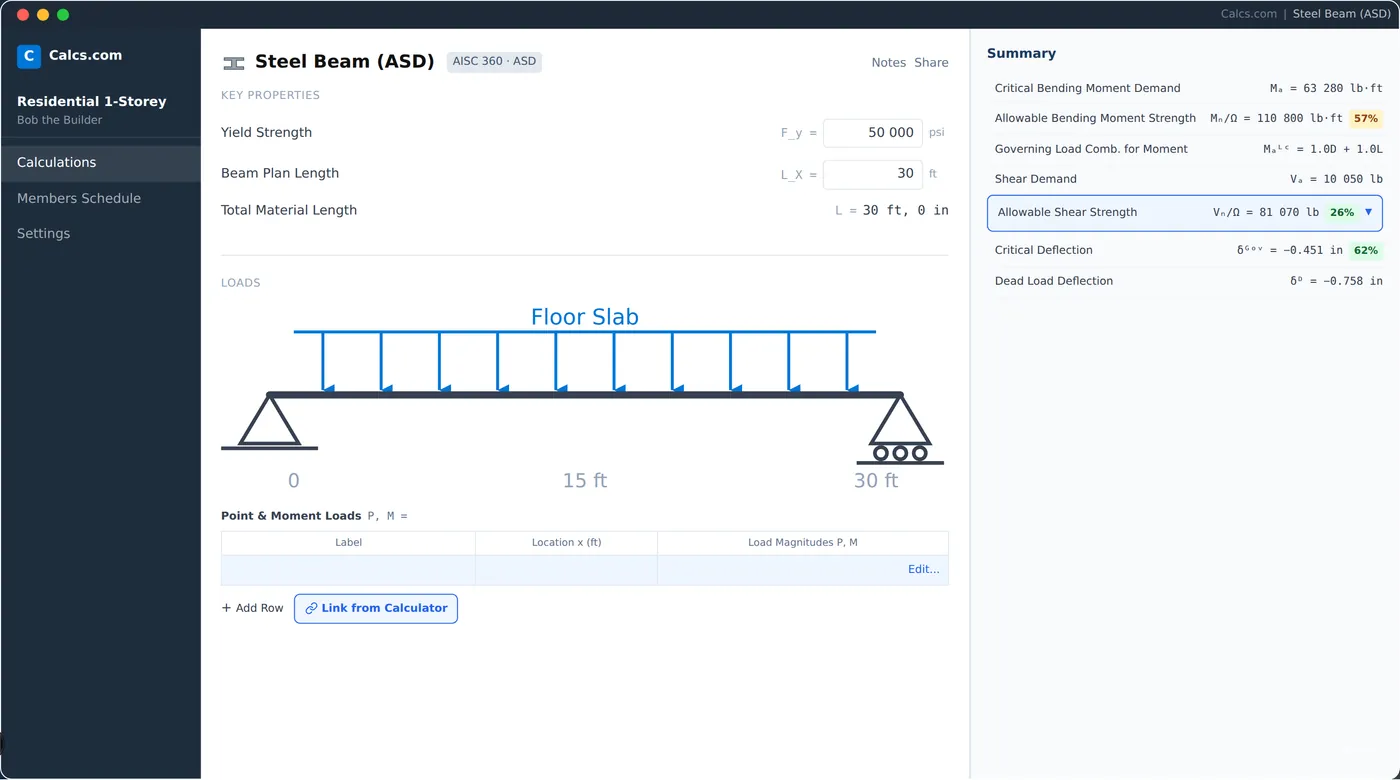
Why engineers switch from Enercalc
Loads link automatically
When an input changes, reactions update across every connected member. No manual re-entry.
See the formula, not just the answer
Reference Mode shows the code clauses behind every result so you can verify independently.
One cloud workspace
Projects, calcs, and reports in one place. Not scattered across desktop files.
No license conflicts
Your whole team works concurrently from any browser on the same live project.
How Calcs.com compares to Enercalc
| Feature | Calcs.com | Enercalc |
|---|---|---|
| Automatic load linking across members | ||
| Cloud-based, works in any browser | ||
| Inline formula and code clause references | ||
| Shared team workspace with project defaults | ||
| Structural calculations (beams, columns, footings) | ||
| Export calculation reports for submittal | ||
| US code coverage (ASCE 7, NDS, AISC) | ||
| Material database with manufacturer sections | Limited | |
| Change-material comparison across members | ||
| Standards-aligned audit trail | ||
| Simultaneous team access (concurrent seats) | 3 concurrent seats per license | One user at a time per seat |
Seen enough? Try Calcs.com on a real project.
14-day free trial. No credit card required.
Load linking: the feature Enercalc still doesn't have
In Enercalc, changing a roof load means opening every downstream calculation and updating it manually. Calcs.com propagates reactions automatically through the full load path - roof to beam to column to footing - so when inputs change, your whole structural model stays consistent. Engineers who make the switch report saving hours per project on the copy-paste loop alone.
Just the simple feature of being able to link loads is a really big time-saver.
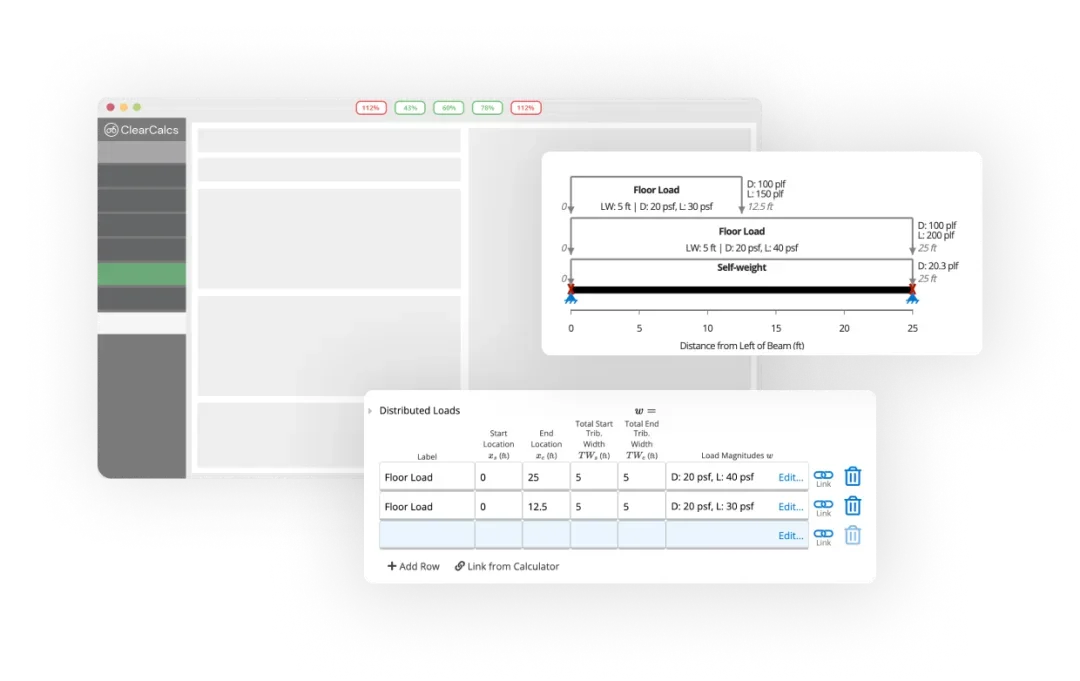
Formula transparency vs the black box
Enercalc gives you a result. Calcs.com gives you the result and the reasoning. Reference Mode surfaces the formulas and code clauses behind every calculation inline - so engineers can audit their own work and reviewers can follow the logic without guessing. When a client or AHJ asks why, the answer is already in the calc.
Ready to run a real project in Calcs.com?
Try it alongside Enercalc - free for 14 days, no credit card required.
A team platform, not a single-user tool
Enercalc charges per seat and only one person can use each seat at a time - if a colleague is in, you wait. Calcs.com's team plan supports multiple engineers working concurrently. Project defaults are set once and inherited by every member. Reviewers follow calculations from first principles without rebuilding them. For a firm of five or more engineers, the concurrent-seat model typically works out to a lower cost per active engineer than Enercalc's per-seat pricing - and eliminates the 'who's in the software?' emails entirely.
How to switch from Enercalc
Most engineers run Calcs.com alongside Enercalc on a new project first. Full adoption typically happens within a few weeks.
Start your free trial
Sign up at app.calcs.com - no credit card required. Your first project is live in under five minutes.
~5 min
Set project defaults for your first job
Enter location, code edition, and load parameters once. Calcs.com applies them across every calculation in the project automatically.
~10 min
Run your first linked calculation chain
Design a beam, connect a column to its reaction, then connect a footing to the column. Change the roof load and watch everything update.
~20 min
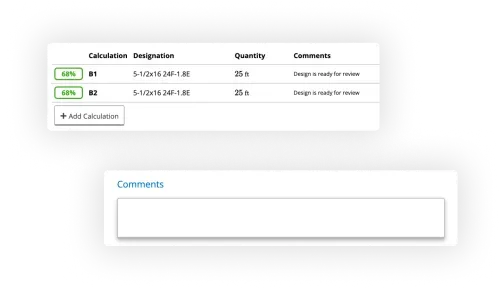
Export a calculation report
Generate a PDF calc pack ready for submittal. Invite a colleague to review it in the same workspace.
~5 min
No credit card required
What engineers say
Calcs.com is a structural engineer's best friend. It makes your life easier than any other software I'm familiar with, and easier means more money, easier means higher profitability.
Matt Ward
Principal Engineer
The software has made us a minimum of 30% more productive. It's eliminated at least 30% of the workload.
Donovan Rae
Senior Project Manager
Also evaluating?
Frequently asked questions
Can I import my existing Enercalc calculations?▾
Does Calcs.com cover the same US codes as Enercalc?▾
What does Calcs.com cost compared to Enercalc?▾
Is Calcs.com available offline like Enercalc?▾
Is Calcs.com the same as ClearCalcs?▾
Ready to switch from Enercalc?
Start a free 14-day trial. No credit card required. See load linking, Reference Mode, and collaborative workflows in under 30 minutes.