
StruCalc checks members. Calcs.com connects them.
Load paths, project defaults, multi-standard coverage, and reports formatted for submittal - all in one cloud workspace. See how Calcs.com compares to StruCalc.
No credit card required · Trusted by 3,500+ structural engineers
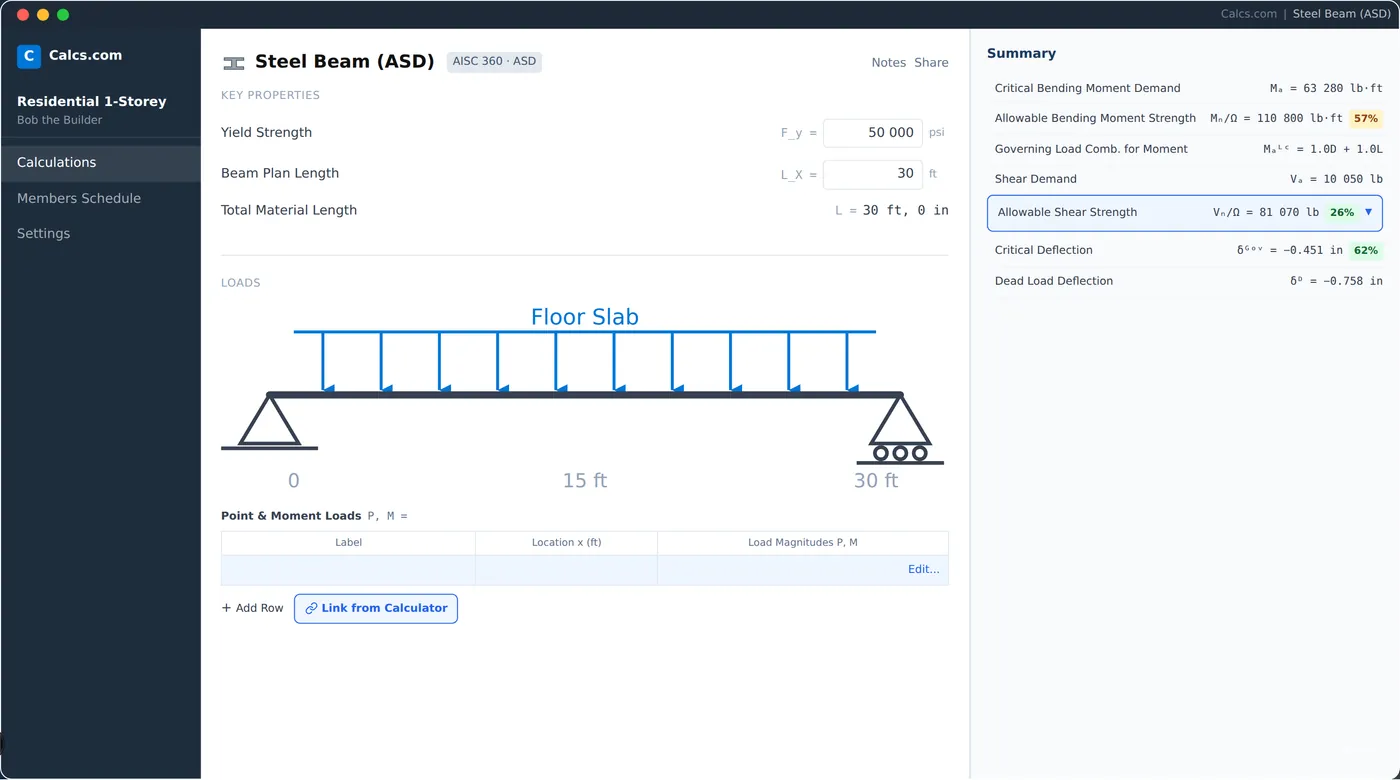
Why engineers switch from StruCalc
Loads link automatically
Reactions update across every connected member when inputs change. No manual re-entry.
Broader standards coverage
AU, NZ, Eurocode, and US codes alongside each other - not US-only.
Shared team workspace
Every engineer works from the same project defaults, live, in the same browser.
Submittal-ready reports
Calculation reports formatted for client submittal out of the box. No extra formatting.
How Calcs.com compares to StruCalc
| Feature | Calcs.com | StruCalc |
|---|---|---|
| Automatic load linking across members | ||
| Cloud-based, works in any browser | ||
| Multi-code coverage (AU, NZ, US, Eurocode) | US only | |
| Shared team workspace with project defaults | ||
| Structural member design (beams, columns) | ||
| Export calculation reports | ||
| Inline code clause references | ||
| Change-material comparison | ||
| Manufacturer member databases | Limited | |
| Standards-aligned audit trail |
Seen enough? Try Calcs.com on a real project.
14-day free trial. No credit card required.
Load linking: what StruCalc still requires you to do manually
StruCalc calculates individual members well. What it does not do is connect them. When a roof load changes, you update the beam, then open the column and update it, then open the footing. In Calcs.com, reactions propagate through the full load path automatically. The structural system stays consistent without an engineer acting as the manual link between files.
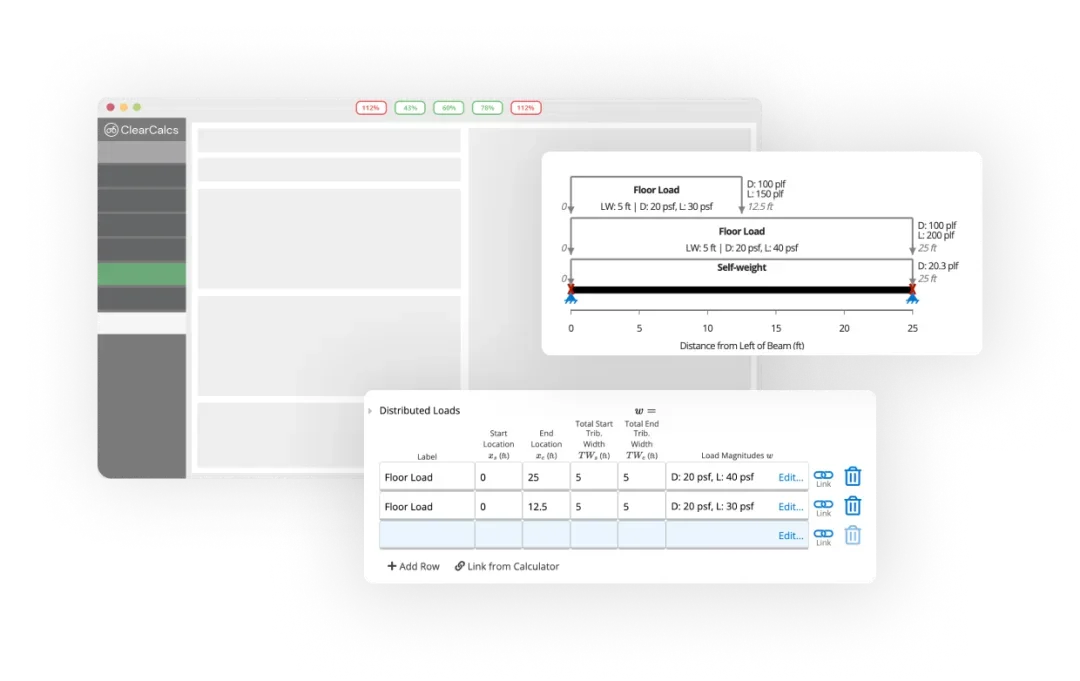
Beyond US codes
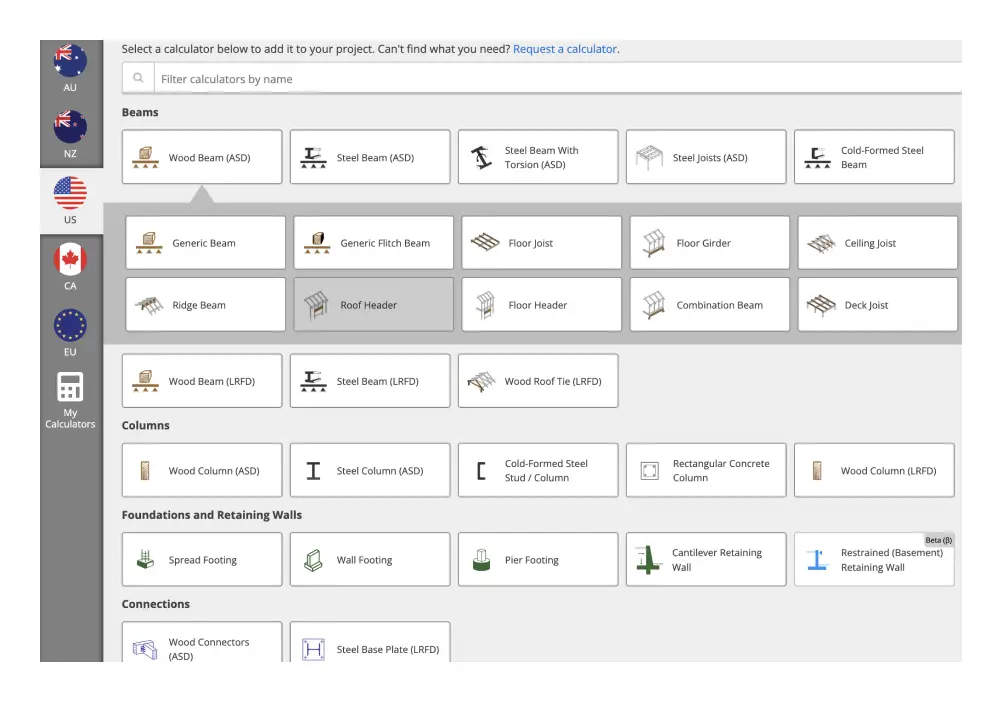
StruCalc covers US residential and light commercial codes. Calcs.com covers Australian, New Zealand, US, and European standards in the same platform. For firms working across regions or those designing to AS 1720, NZS 3404, or Eurocode, Calcs.com is the only cloud option that does not require switching tools at the border.
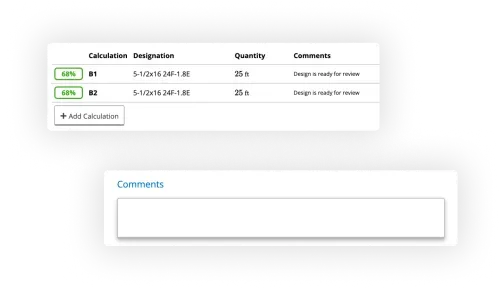
Our calculation packages for submittal are also more organized and attractive than before. That makes me feel more confident in our submittal.
Ready to run a real project in Calcs.com?
Try it alongside StruCalc - free for 14 days, no credit card required.
A platform built for teams, not solo users
StruCalc is designed around individual engineers running standalone calculations. Calcs.com is built for how structural firms actually work: one set of project defaults shared across the team, shared project workspaces where principals can review junior engineers' work, and calculation reports that go directly to clients without a formatting pass.
How to switch from StruCalc
Most engineers run Calcs.com alongside StruCalc on a new project first. Full adoption typically happens within a few weeks.
Start a free trial
Sign up at app.calcs.com. No credit card required. Run a real calculation in under five minutes.
~5 min
Set up your first project
Enter location, code edition, and load parameters. Calcs.com applies them across every calculation in the project.
~10 min
Run your standard member checks
Pick the beam, column, or footing type you run most often. Connect it to a linked load source and see how the load path works.
~15 min
Export and compare
Generate a PDF calc pack from Calcs.com. Compare it to your current StruCalc output for the same member.
~5 min
No credit card required
What engineers say
The majority of our calculations, unless it's something very odd, are done in Calcs.com.
Nate Powelson
Project Engineer
I like the speed at which you can do the what-ifs with the utilization checks.
Helen Watts
Project Engineer
Also evaluating?
Frequently asked questions
Can I import my StruCalc calculations into Calcs.com?▾
Does Calcs.com cover US residential codes like StruCalc?▾
How does Calcs.com pricing compare to StruCalc?▾
Does Calcs.com work for residential structural engineering like StruCalc?▾
Is Calcs.com the same as ClearCalcs?▾
Ready to switch from StruCalc?
Start a free 14-day trial. No credit card required. See load linking, Reference Mode, and collaborative workflows in under 30 minutes.